
Help · Buying an audit
Buy an audit
One site, one report, one payment. Buying takes a few minutes; the report appears in your account when the audit finishes.
- Open the buy page at /audit and press Sign in to buy. New to OnlineJourno? Use the Create an account link.

Step 1: the sign-in button on the buy page. - Read the requirements and tick the box to say you have.
- Enter your newsroom's domain and your email, and press Check my site. The check reads a few of your own stories to make sure the audit can be done honestly.

Step 3: enter your domain and press Check my site. A pass looks like this. - Upload your Google Search Console Performance export. A Google Analytics 4 export is optional. The upload boxes explain how to export each file.
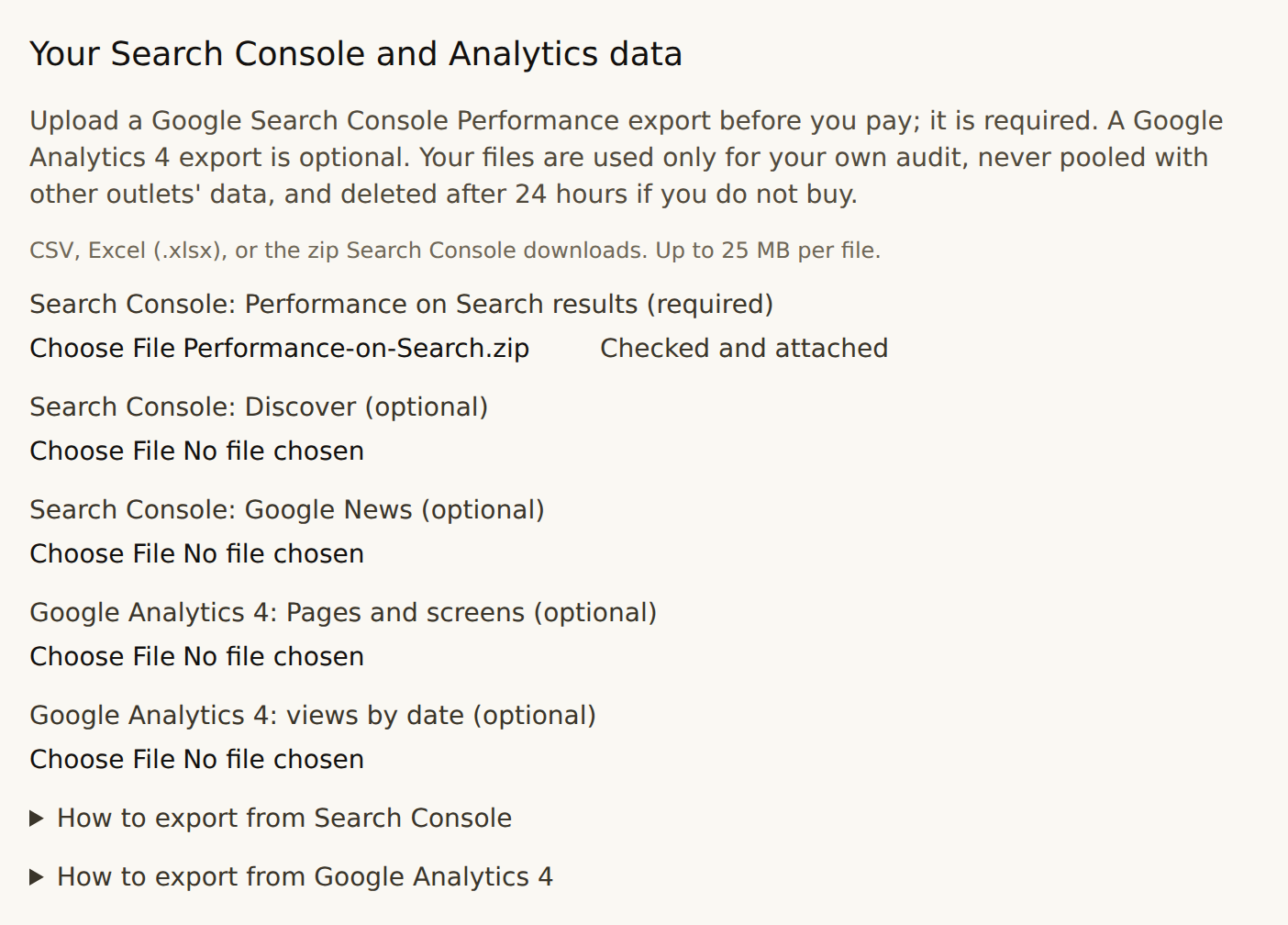
Step 4: upload the Search Console export. Each file is checked as it arrives. - Press Buy audit and pay in the checkout window.

Step 5: once the box is ticked and the export is attached, the Buy audit button unlocks. - Follow the audit in your account at /account. Its status moves from Paid — starting to Running to Ready. Open the report from there.
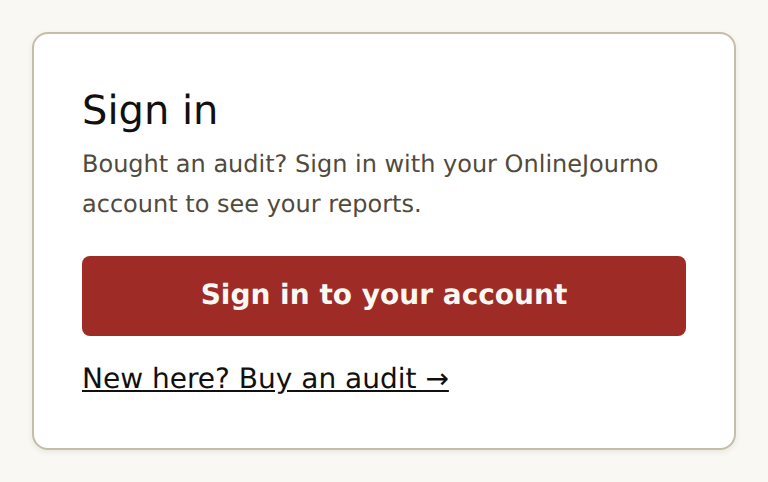
Coming back later? Sign in to your account from the sign-in page to see your audits and reports.